
Beyond apps: Workflows
What workflows are, how they relate to the app you already deployed, and the three surfaces you will use to build and watch them.
Everything in the tour happens when somebody opens your app. Workflows are for what happens when nobody does.
A workflow is a typed graph of function calls. Nodes name functions; edges carry data from one output to another input. Some functions are AI agents, some are plain transforms, and some are code you wrote yourself. The platform runs the graph, records every run, and can expose the whole thing as an HTTP endpoint.
How this relates to your app
Three honest relationships, in the order people usually need them:
- Your app calls a workflow. The workflow has an HTTP endpoint; your app POSTs to it and gets a result. This is the usual one — put the slow, agentic or multi-step work behind an endpoint instead of in a request handler.
- A workflow calls your code. You register functions from a worker, and they become nodes anyone can wire into a graph. See Connect it to your app.
- Nothing calls it. It runs on a schedule, or as a batch pipeline. See Pipelines and schedules.
Plenty of teams deploy apps for a year without touching this chapter. It is here for when a job outgrows a request handler — not as the thing the platform is really about.
The three surfaces
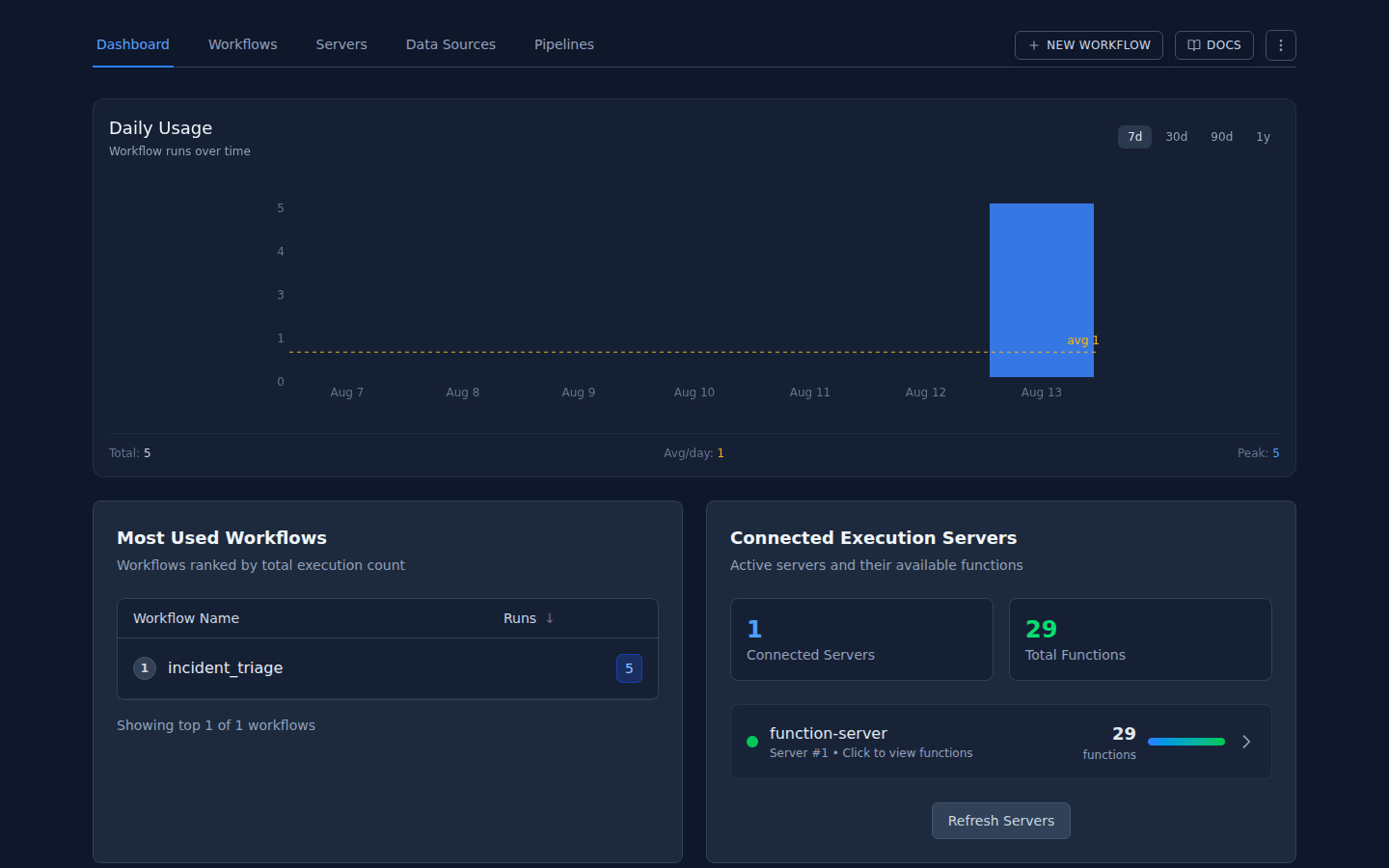
The dashboard — what exists and what has been running:
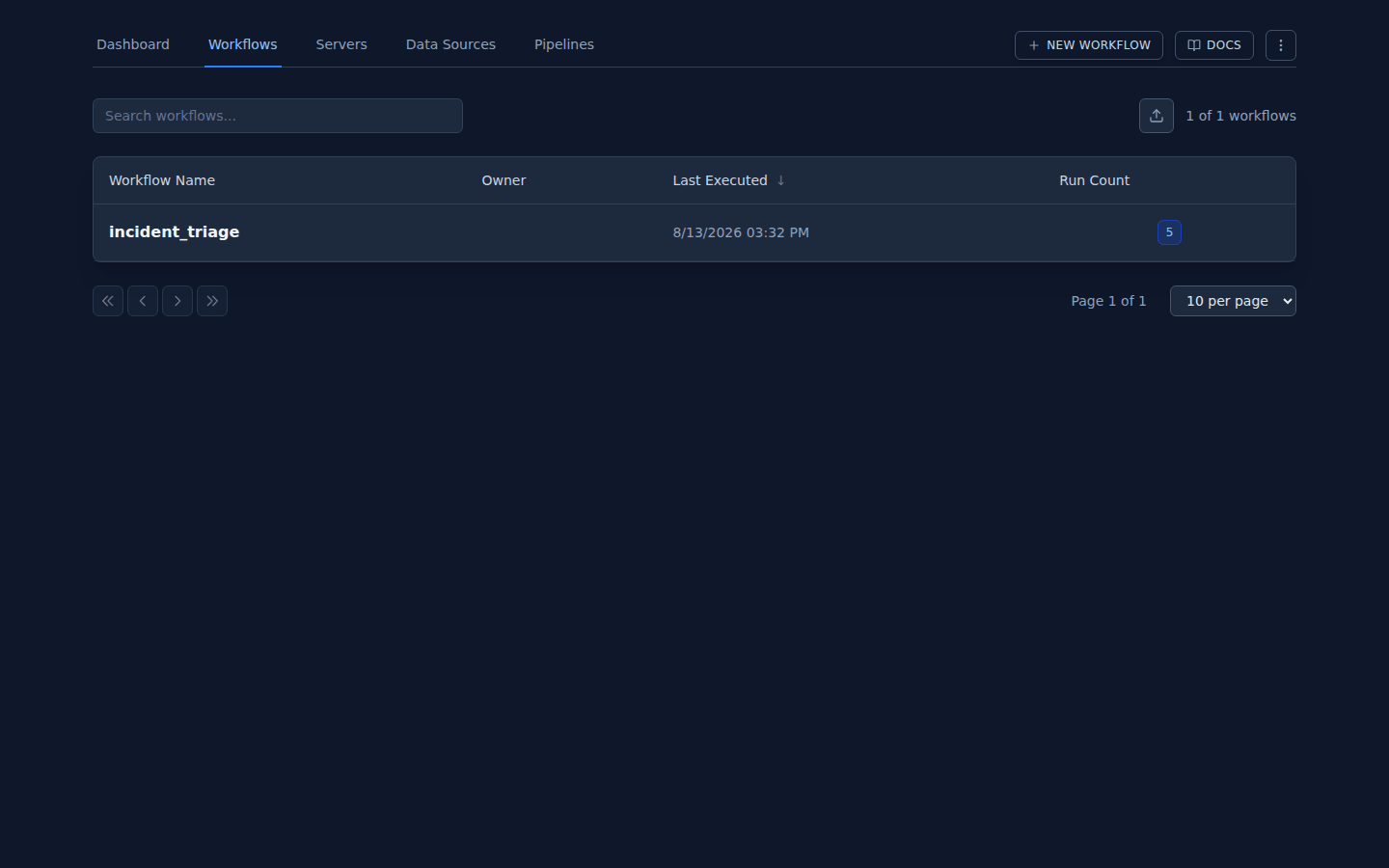
The catalogue — every workflow in your organisation, with its revisions and endpoints:
The editor — the graph itself, which opens in its own tab:
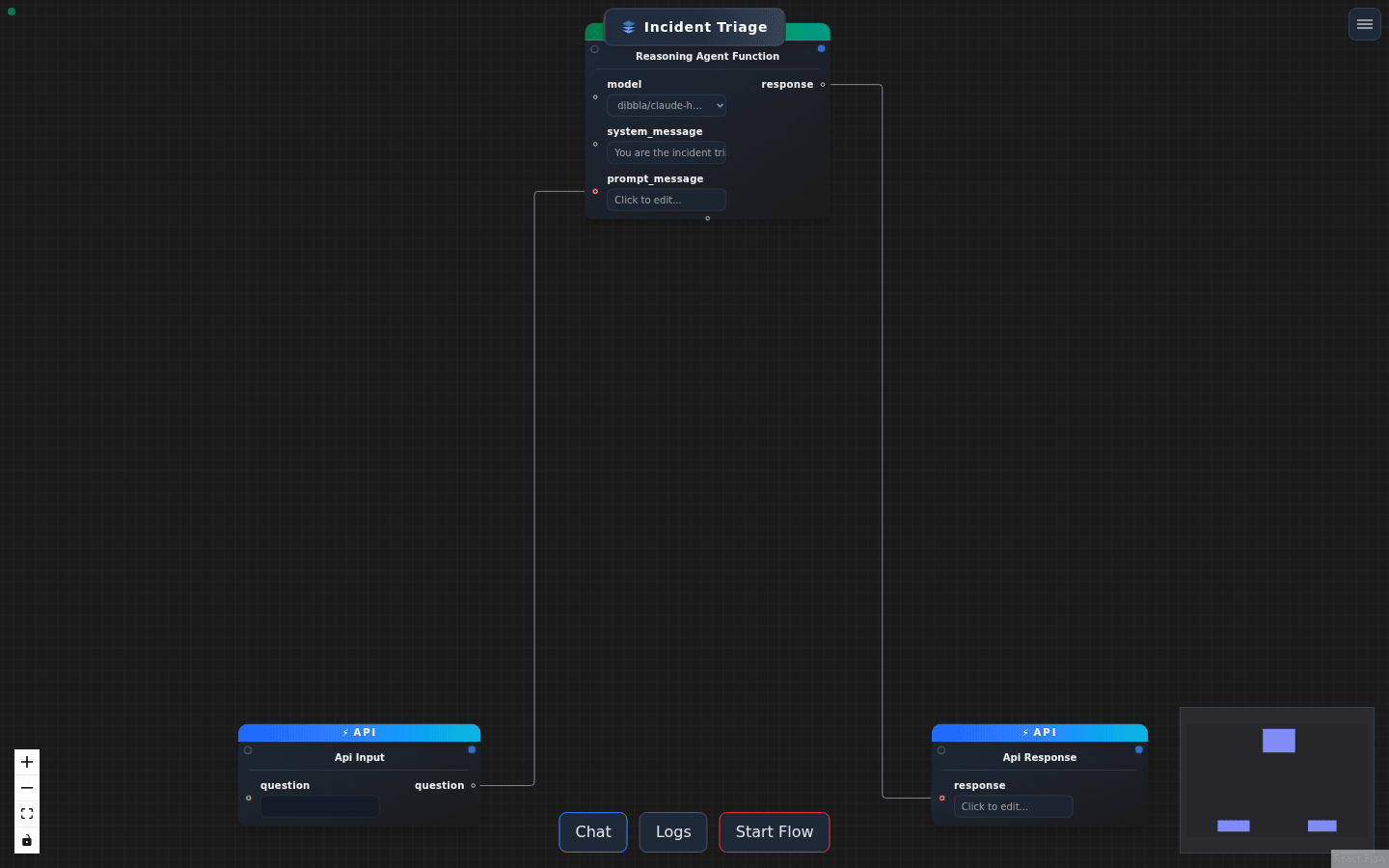
Every change you make in the editor is written to the live HEAD revision
immediately. There is no draft state and no undo across a reload. Before
editing anything that matters, take a snapshot: dibbla revisions create <workflow>.
The vocabulary
| Term | What it is |
|---|---|
| Node | one function call in the graph |
| Edge | from.output -> to.input — how data moves |
| Function | an implementation a node can name, from the registry |
| Execution server | a worker process that provides functions |
| Revision | a snapshot of the graph; HEAD is the live one |
| Run | one execution, with its own logs and output |
Next: build one in the editor.